July 2026
5 min read
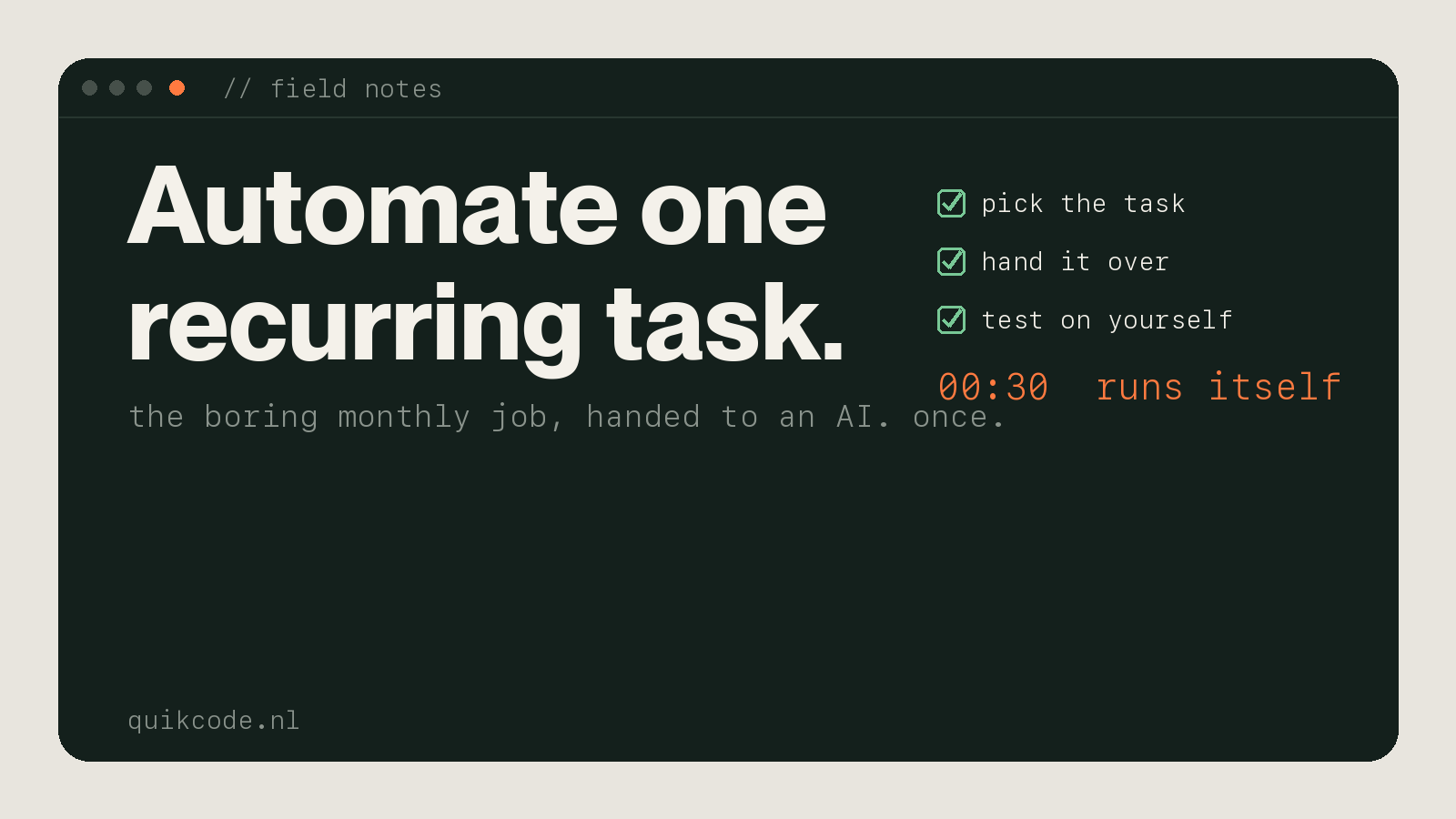
Bit embarrassing, honestly. I spend my weeks building automations and internal software for other companies, and my own monthly invoicing was still a manual job I did by hand. This month I finally fixed it. Here is exactly how, and how you can do the same with one task of your own.
Every month, same thing. Pull the amounts, fix the invoice texts, generate the PDFs, fill in the emails, send them one by one. An hour, maybe two, gone. And since it was all by hand, it was exactly the kind of task where I would eventually mistype a number or send the wrong PDF to the wrong client.
It never felt like a real problem. It was one of those jobs you just knock out, so it kept surviving. Too small to sit down and fix, annoying enough to cost me a chunk of every month.
The stupid part is I have built this kind of thing for clients for years. I just never pointed the same energy at my own desk.
So this month I did. I opened Claude and treated it like I was handing the job to a new teammate. That framing is the whole trick. Here is the process I would use for any recurring task:
Setup took an hour or two. Once. The next months just run, and I get that time back, plus a bit of headspace I did not know the task was quietly eating.
You do not need to run a business for this. If you are a professional who repeats the same thing every day, week, or month, you almost certainly have a version of it:
Simple rule for what to hand over: automate the parts that just move data around, and keep the parts that build trust. A personal reply to a client stays personal. Copying numbers between tabs does not need a human in 2026.
Here is the honest bit, because I build this stuff for a living and I would rather you know where the line is.
A single, well-defined task is something you can often automate yourself in an afternoon with an AI assistant. That is genuinely doable now, and you should try it.
But if your operations are tangled, your tools are not talking to each other, work is leaking between people, and nobody can fully explain how the business actually runs, that is not a task problem. That is a systems problem, and no single automation fixes it. That is the point where you want custom software shaped to your operation, built by someone who thinks with it, rather than another tool bolted on top. It is usually also the point where it is worth building instead of buying.
Both are worth doing. Just be honest with yourself about which one you have.
Pick the most annoying recurring thing on your plate. Open an AI assistant, describe how you actually do it, and let it build a first version you can test on yourself. Worst case you lose an afternoon. Best case you free up that hour every week for the rest of the year.
And if you get stuck, or it turns out you are looking at a systems problem rather than a task, book a quick call. Happy to help you think it through.