Carerix has a serious API. Most of the work is picking the right version and the few objects you need, then connecting your website in both directions.
October 2026
6 min read
Carerix has two APIs. The old CX REST API still exists, but Carerix points developers to the GraphQL API, secured with OAuth2 client credentials. With it you read and write candidates, companies, vacancies, publications, matches and placements. A website connection runs both ways: live publications out to your site, applications with CV back into Carerix.
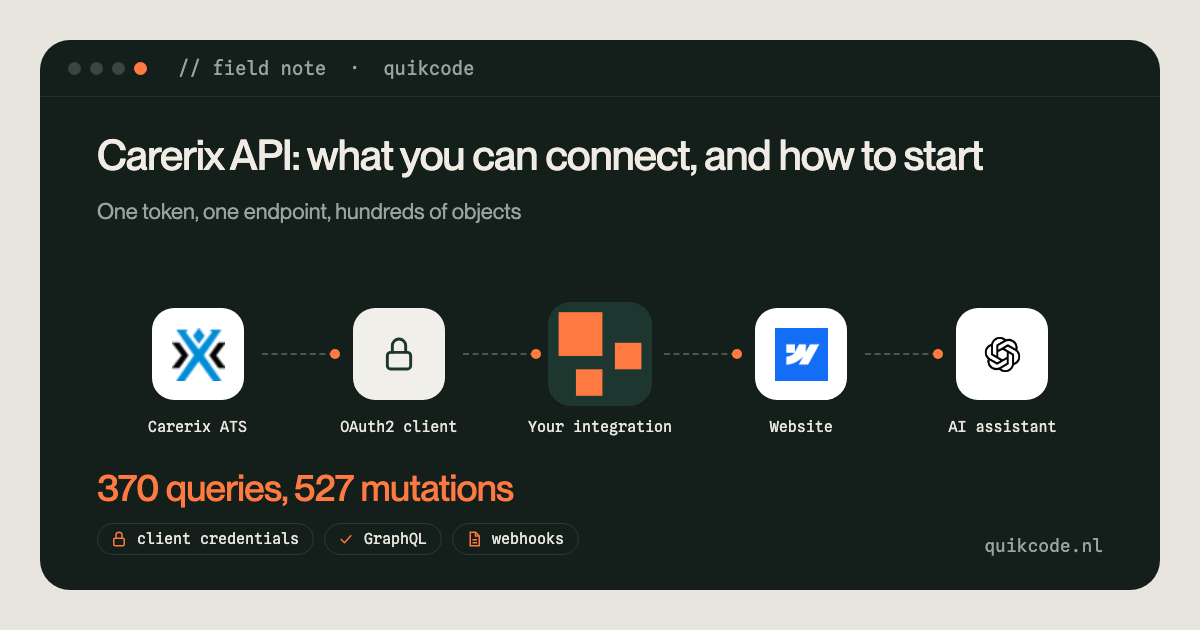
The Carerix API comes in two versions. The older CX REST API still exists for integrations that depend on it, but Carerix marks that documentation as outdated and points developers to the GraphQL API. That is the one to build on: one endpoint, an OAuth2 token, and a query that asks for exactly the fields you need. With it you can read and write nearly everything in Carerix: candidates, companies, contacts, vacancies, publications, matches, placements, to-dos, hours and invoices.
I built a live Carerix integration for Einvigi, a Dutch staffing and interim agency. It runs in two directions. Live publications in Carerix appear on their Webflow website and in Google for Jobs, which I describe in how the Carerix Webflow sync works. And an application on the website lands in Carerix as a candidate, with CV and motivation letter, matched to the right vacancy. This note covers the API itself and how to connect a website to it.
CREmployee, a vacancy text on the site is still a publication. Queries return only the fields you ask for, which keeps a website sync small and fast.So if you searched for "website koppelen met Carerix REST API": you can, but GraphQL is the route Carerix supports going forward, and everything below uses it.
You don't need Carerix to build anything for you, but you do need an admin.
urn:cx/cx5Wrapper:data:manage. Without the right scope the API answers with a 403.Limits to plan for: 10 requests per second, at most 100 records per request, and payloads up to about 10 MB, which matters when you upload a CV.
When I listed the schema for one tenant, it had 370 query fields and 527 mutations. In practice you need a handful:
CREmployee), with education, skills, languages, work history and attachments hanging off it.Most objects have a ...Page query for paging, and create, update and delete mutations.
Vacancies out. A scheduled job asks Carerix for every publication that is live today and not deleted, with title, the text blocks, salary, hours, location and job type. It compares that with the website and creates, updates or removes vacancy pages. At Einvigi it runs every 15 minutes during the day. The details, including Google for Jobs, are in the Carerix Webflow note.
Applications in. The application form on the site posts to a webhook, and from there:
Every step checks the answer before the next one runs. The recruiter opens Carerix and finds a complete application on the right vacancy, without anyone retyping an email.
For WordPress, Carerix offers its own plugin for application forms. You request an API token from Carerix, and the plugin handles open applications and applications on a vacancy. If that covers what you need, use it.
The GraphQL API is the route when you want more: your own form with your own validation, duplicate checks before a candidate is created, vacancies as real pages in your own CMS, or a site that isn't WordPress. The website platform doesn't matter much. Webflow, WordPress or a custom site all have an API to create and update pages, so the same two flows apply.
An overview of what I build around Carerix is on the Carerix integration page.
If you want Carerix connected to your website, your accounting or your AI tools, let's talk for 30 minutes.
Both. The older CX REST API still exists for existing integrations, but Carerix marks its documentation as outdated and points developers to the GraphQL API. For a new integration, use GraphQL.
A Carerix admin creates a confidential client under Identity Access, Clients. Carerix then shows a client ID and secret, which the integration exchanges for a short-lived access token with the scope urn:cx/cx5Wrapper:data:manage.
Two flows. Read live publications through the API and create, update or remove vacancy pages on your site. And send applications from your site to Carerix: find or create the candidate, attach the CV and create a match with the publication.
Yes. Carerix offers a WordPress plugin for application forms, which needs an API token from Carerix. For custom forms, vacancy pages in your own CMS or a site that isn't WordPress, use the GraphQL API.
An employee: CREmployee. Education, skills, documents and matches with publications are linked to that record.
Yes. The GraphQL API allows 10 requests per second and at most 100 records per request, with payloads up to about 10 MB.