The public pages suggest there's no API. Behind the licence, Accelerate has a full one. What it can read, where it stops, and how to connect it to ChatGPT safely.
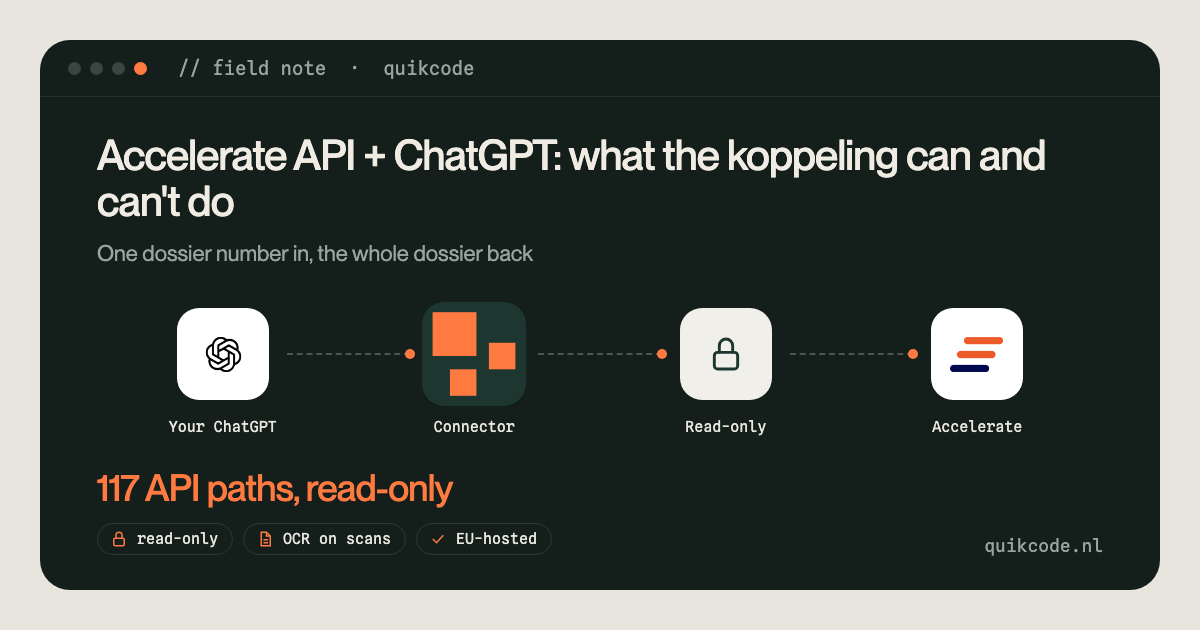
Yes, you can connect Accelerate to ChatGPT. Accelerate has a REST API (AccelerateConnect) behind the licence, with 117 paths for dossiers, mortgages, quotes, documents and the werkvoorraad. A read-only connector signs every request, reads scans with OCR on its own server and hands ChatGPT text. Some things, like folders under Bestanden, are not in the API.
Can you connect Accelerate to ChatGPT? Yes. Accelerate has a REST API, called AccelerateConnect, that sits behind your licence. With a small read-only connector in between, ChatGPT can look up a dossier, read the documents in the dossiercontrole, check the mortgage and its quotes, and show the werkvoorraad per adviser. It can't reach everything, and it shouldn't write anything yet. This note is about what an Accelerate koppeling can and can't do.
I built this for Landsman en Teune, a mortgage advice practice and bookkeeping office in Kampen. Their adviser already used ChatGPT, but by uploading documents one by one. His wish was simple: "give it only the dossier number, the rest is fetched". The full story is in the Landsman en Teune case.
The API exists, behind the licence
The public Accelerate pages suggest there is no read API. ChatGPT, on the other hand, had confidently told the client that Accelerate could do things it couldn't. When I asked Accelerate directly, a full REST API turned out to exist behind the licence, with 117 paths.
Two rules I work by since:
- Ask the vendor, not the internet. Public docs for vertical software are often thin. The real API documentation sits behind a login.
- Don't let the AI guess what an API can do. The connector now reads Accelerate's own API documentation (the Swagger file) and can show ChatGPT the list of available read endpoints. The instruction is blunt: only say something isn't possible if it's not in that list.
What ChatGPT can read from Accelerate
Everything below is read-only. The connector offers these as tools, and ChatGPT picks the right one when you ask a question.
- Find a dossier by email address, surname, dossier number or internal ID.
- Dossier overview: applicants, adviser, products, notes, open actions for the client, and per mortgage where the application stands.
- Documents from the dossiercontrole: payslips, employer statements, Kadaster and Ockto documents, and the pieces the adviser prepares for the advice letter.
- Read a document as text. Many client documents are scans or phone photos, so the server runs text recognition (OCR) on its own machine. A payslip takes about 10 seconds, an 8-page employment contract about 18.
- Mortgage details: lender, amount, loan parts, status and timeline, plus the quotes with their attachments, like the binding offer.
- Werkvoorraad: the signals per adviser, sorted with urgent dossiers first. The first fill showed 2,466 signals created in 31 days, 187 of them still open.
So a question like "prepare a briefing for this dossier and tell me what's still missing" turns into a chain of calls: find the dossier, pull the overview, list the documents, read the ones that matter. Nobody uploads anything.
Where the Accelerate API stops
This is the part I'd want to know before starting.
- No search by name or dossier number. The API finds a dossier by internal ID or by email address. That's it. So the connector builds its own small index from the werkvoorraad of the past 12 months plus the HDN applications, kept in memory and refreshed every 15 minutes. That covered 531 dossiers. If the client's email address isn't in Accelerate, the connector looks in the mailbox for other addresses of the same person and tries those.
- Folders under Bestanden are not reachable. Files in folders like the main folder or the notary folder can't be fetched through the API. Only documents in the dossiercontrole can. The tool says so in its own description, so ChatGPT doesn't claim a document is missing when it's just in the wrong place.
- Older document versions sometimes don't come back. Accelerate occasionally refuses an older version of a document. The connector always points ChatGPT to the current version, and treats an unreadable old version as "not a missing document".
- The werkvoorraad is a day old. It comes from a report that Accelerate refreshes once a night, and you can ask for at most 31 days per call. What someone closed this morning can still show up.
- No test environment. Accelerate only has production. So you build and test read-only, against real data, carefully.
- What you get depends on your licence. Some parts are only switched on for certain licences. The API tells you, but only when you ask.
How the koppeling actually works
If you want to build this yourself, here's the setup in plain terms.
- Signed requests. Every call carries the domain, a timestamp in Dutch time, and a signature made from that timestamp and your private key. A signature is valid for five minutes, so the server clock has to be right.
- A firewall on Accelerate's side. Accelerate only accepts calls from IP addresses you whitelist in its admin settings. The connector always calls from one fixed address.
- Retries on reads. Accelerate sometimes returns a short error when many documents are requested in a row. The connector simply tries a read again a few times.
- OCR that doesn't time out. Text recognition on a long scan can take longer than ChatGPT wants to wait. So reading runs in the background: if it isn't done, ChatGPT is told to ask again in a minute, and the result is ready. For scans, the first pages also go along as images, so ChatGPT can check amounts and signatures against the original.
- Per-user limits. Every person logs in with their own code. Colleagues see their own werkvoorraad, not everyone's.
- No AI on my server. The AI runs in the client's own ChatGPT Business account, where data isn't used to train models. The connector fetches, converts to text and returns. I wrote more about the privacy side in is ChatGPT GDPR-safe with client data.
Accelerate is one of three systems behind the same connector. The others are two Outlook mailboxes and Nmbrs Accounting, which I described in connecting Nmbrs Accounting to ChatGPT. More builds like this are on my work page.
When this is not the right approach
- You want ChatGPT to write into Accelerate. Writing notes or documents back was discussed, and it's possible on paper. It's a different risk level, especially without a test environment. Start with reading and see what advisers actually ask.
- You handle a few dossiers a month. Uploading two documents by hand is fine. The connector pays off when advisers prepare dossiers every day.
- Your files live in folders under Bestanden. Then the API can't see them. Move the working documents into the dossiercontrole first, or this won't help much.
- Nobody on the team uses ChatGPT yet. A connector won't fix that. Getting comfortable with the assistant comes first, which is what the AI training is for.
The API is better than its public pages suggest. Most of the work is knowing where it stops, and making sure ChatGPT knows that too. If you work in Accelerate and want ChatGPT to read your dossiers, let's talk for 30 minutes.
The same approach works for the books: connect Claude or ChatGPT to your accounting software.
Does Accelerate have an API?
Yes. Accelerate has a REST API called AccelerateConnect, available behind the licence. In this build it had 117 paths covering dossiers, mortgages, quotes, documents, notes and the werkvoorraad. Ask Accelerate for access and documentation, because the public pages say little about it.
Can I connect Accelerate to ChatGPT?
Yes, with a custom connector (an MCP server). ChatGPT Business supports custom connectors. The connector signs each request to Accelerate, fetches the dossier data read-only and returns it to ChatGPT as text, including scanned documents via OCR.
Can I search Accelerate dossiers by name or dossier number through the API?
Not directly. The API looks up dossiers by internal ID or email address. A connector can build its own index, for example from the werkvoorraad and HDN applications, to find dossiers by name or number.
Can the Accelerate API read every file in a dossier?
No. Documents in the dossiercontrole can be read, files in folders under Bestanden cannot. Older versions of a document are sometimes not returned, so always read the current version.
Are client dossiers used to train ChatGPT?
No. The AI runs in your own ChatGPT Business account, where data isn't used for training, and the connector makes no AI calls of its own.
Is it safe to let ChatGPT read mortgage dossiers?
It can be, if the limits are built into the software: read-only tools, personal logins, logs without content, EU hosting and a data processing agreement. The AI stays in your own ChatGPT Business account, under your own contract with OpenAI.